
Delete your account
Permanently delete your account and everything in it, and what to do first.
What gets deleted
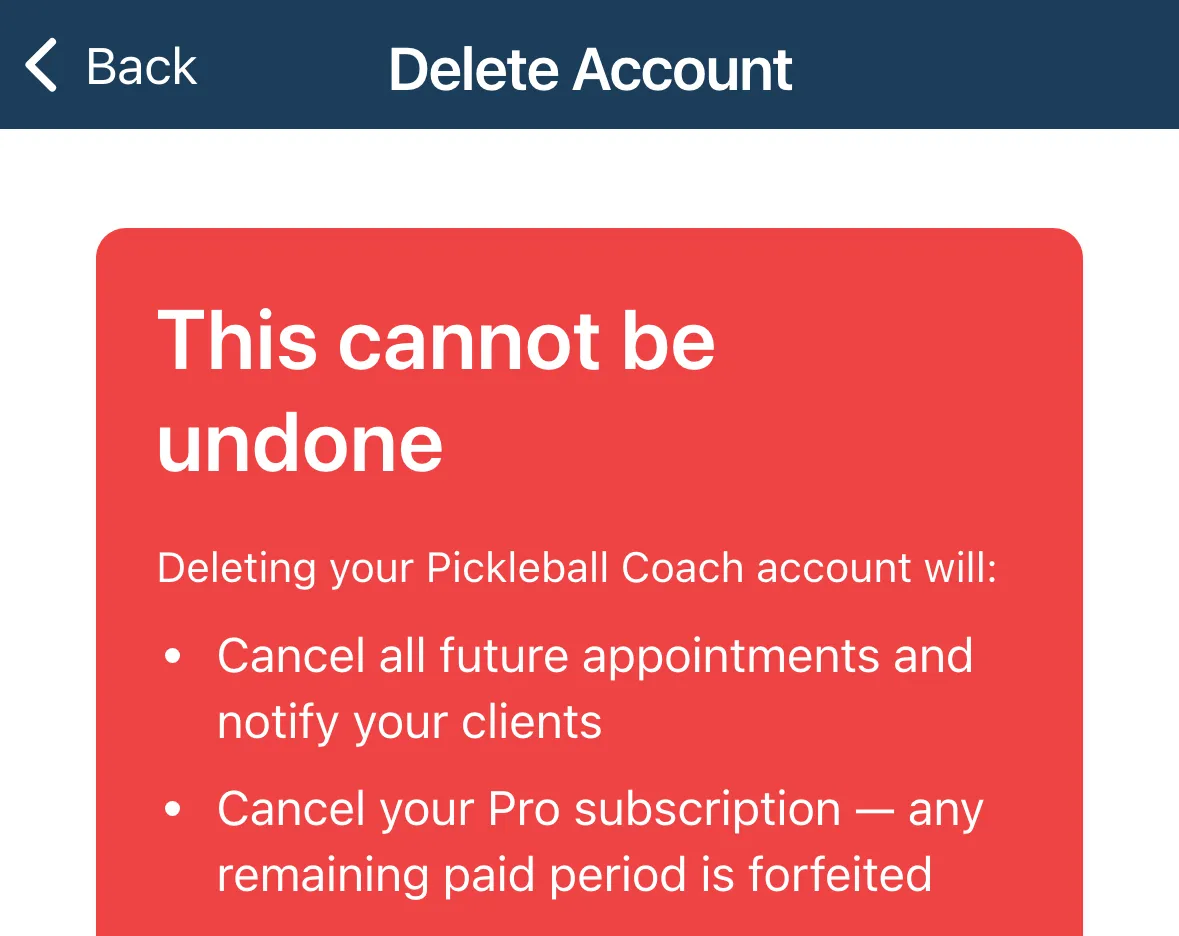
Section titled “What gets deleted”The Delete Account screen says that deleting your Tennis Coach+ account will:
- Cancel all future appointments and notify your clients.
- Cancel your Pro subscription. Any remaining paid period is forfeited.
- Permanently delete your clients, sessions, notes and payments.
- Leave nothing recoverable once it’s done.
Before you delete
Section titled “Before you delete”- If you want a record of your clients, make a note of anything you need first. You can’t get it back later.
- If you subscribed to Pro through the App Store or Google Play, deleting your account doesn’t cancel that subscription. Cancel it in your App Store or Google Play subscription settings, or you’ll keep being charged. On your phone, the Delete Account screen has an Open subscription settings button that takes you there. See Subscription.
- Your clients are notified when their future appointments are cancelled. If you’d rather tell them yourself first, do that before you delete.
Delete your account
Section titled “Delete your account”- Tap the menu, then Settings, then Account.
- Tap Delete Account.
- Read the warning, then type your account email in the box marked Type here to confirm. If you don’t have an email on file, type DELETE instead.
- Tap Permanently Delete My Account. The button only turns on once what you typed matches.
You’re signed out as soon as the deletion goes through. If something goes wrong, the screen says so and you can try again.