
Payments
Turn on manual payment tracking to mark appointments as paid and keep a record of what you've collected.
Tennis Coach+ doesn’t take payments for you. Instead, you collect payment however you like (cash, check, Venmo or anything else) and record it in the app. Manual payment tracking is what makes that possible.
Turn on manual payment tracking
Section titled “Turn on manual payment tracking”-
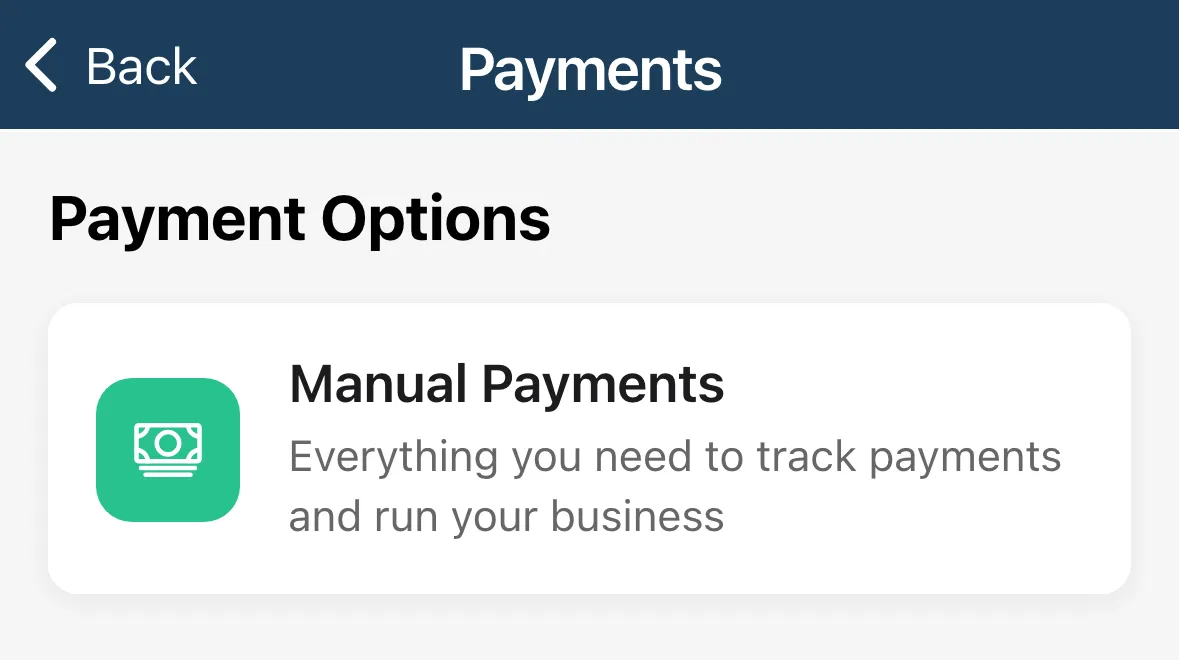
Tap the menu, then Settings, then Payments.
-
Tap Manual Payments.
-
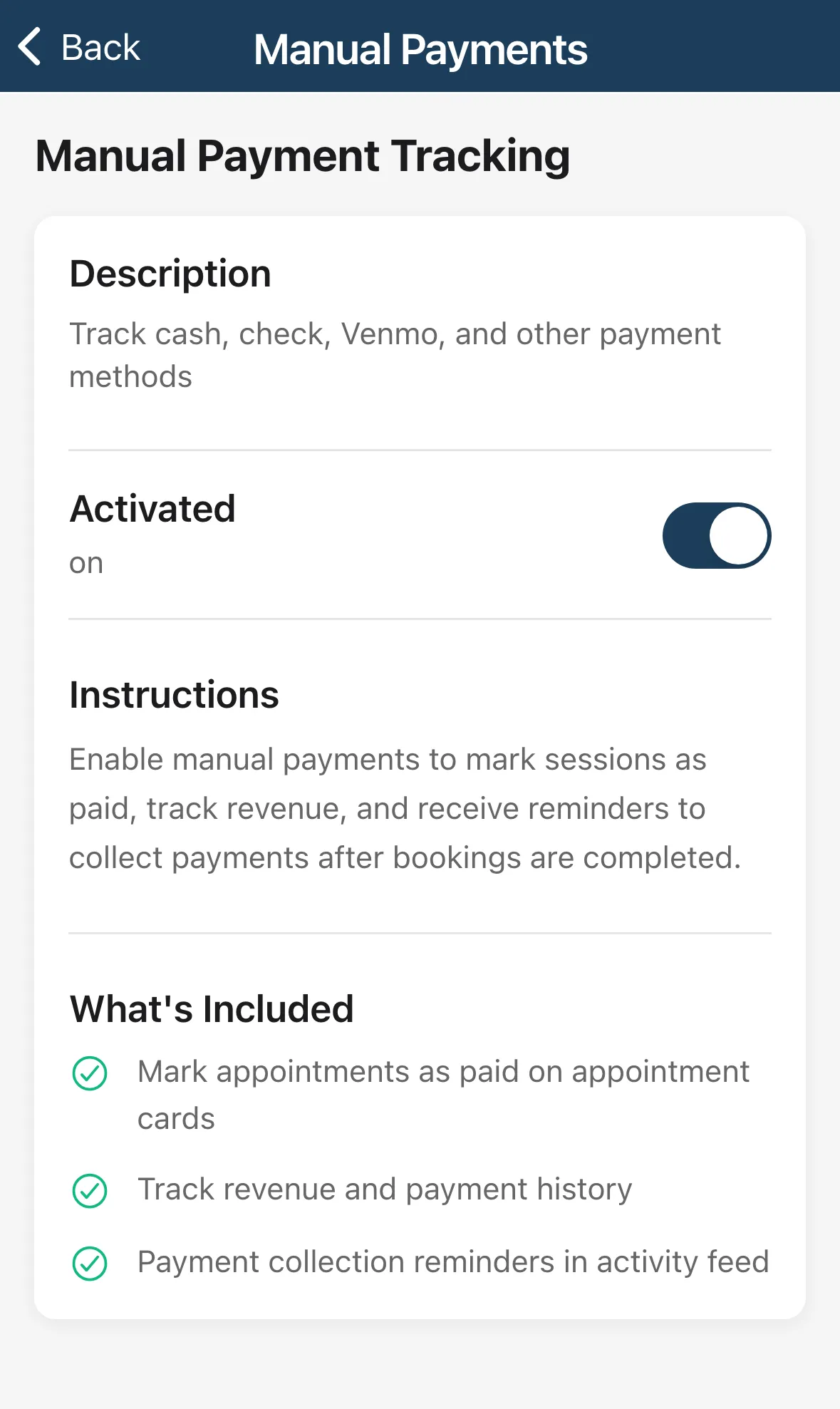
Turn on Activated. The label under it changes from off to on.
The screen describes it as a way to track cash, check, Venmo and other payment methods.
What you get
Section titled “What you get”Once Activated is on, the screen lists What’s Included:
- Mark appointments as paid on appointment cards.
- Track revenue and payment history.
- Payment collection reminders in the activity feed.
Turn Activated off any time to stop tracking.