
Mileage
Set the rate per mile (or kilometre) the app uses for your travel.
Mileage holds one setting: the rate you use for each mile or kilometre you travel. Set it once and the app uses it from then on.
Set your rate
Section titled “Set your rate”-
Tap the menu, then Settings, then Mileage.
-
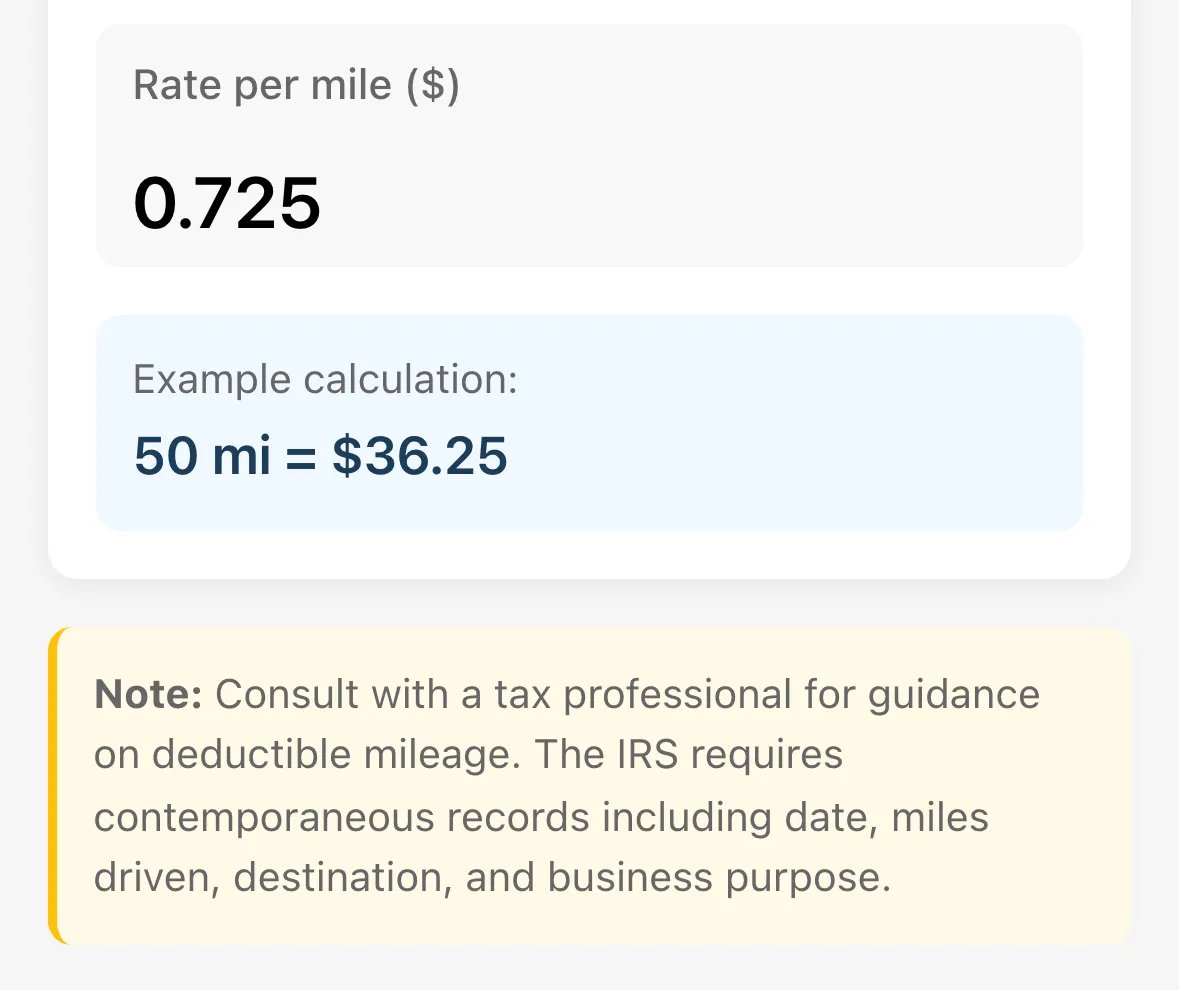
Tap the Rate per mile field and enter your rate. Coaches who use kilometres see Rate per km, with their own currency in brackets.
-
Tap anywhere else on the screen. The rate saves when you leave the field, and the app confirms with Mileage rate saved.
An Example calculation underneath shows what 50 miles (or kilometres) works out to at your rate, so you can check the number.
Good to know
Section titled “Good to know”- The rate can be from 0.01 to 5.00. Anything above 5.00 becomes 5.00. A blank or too-low entry resets to the default for your country.
- Coaches in the United States see the heading IRS Mileage Rate and the IRS standard rate as the default. The screen says that for 2026 it is $0.725 per mile.
- US coaches also see a note to talk to a tax professional about what is deductible. Tennis Coach+ doesn’t give tax advice.